LMS Platforms
Introducing Madares: A More Connected School Day with Codeniza
By Admin Tenant 1 ·
Meet Madares, Codeniza’s Arabic and English school platform for courses, assessments, feedback and school communication. Explore the live demo as an administrator, teacher, student or guardian.
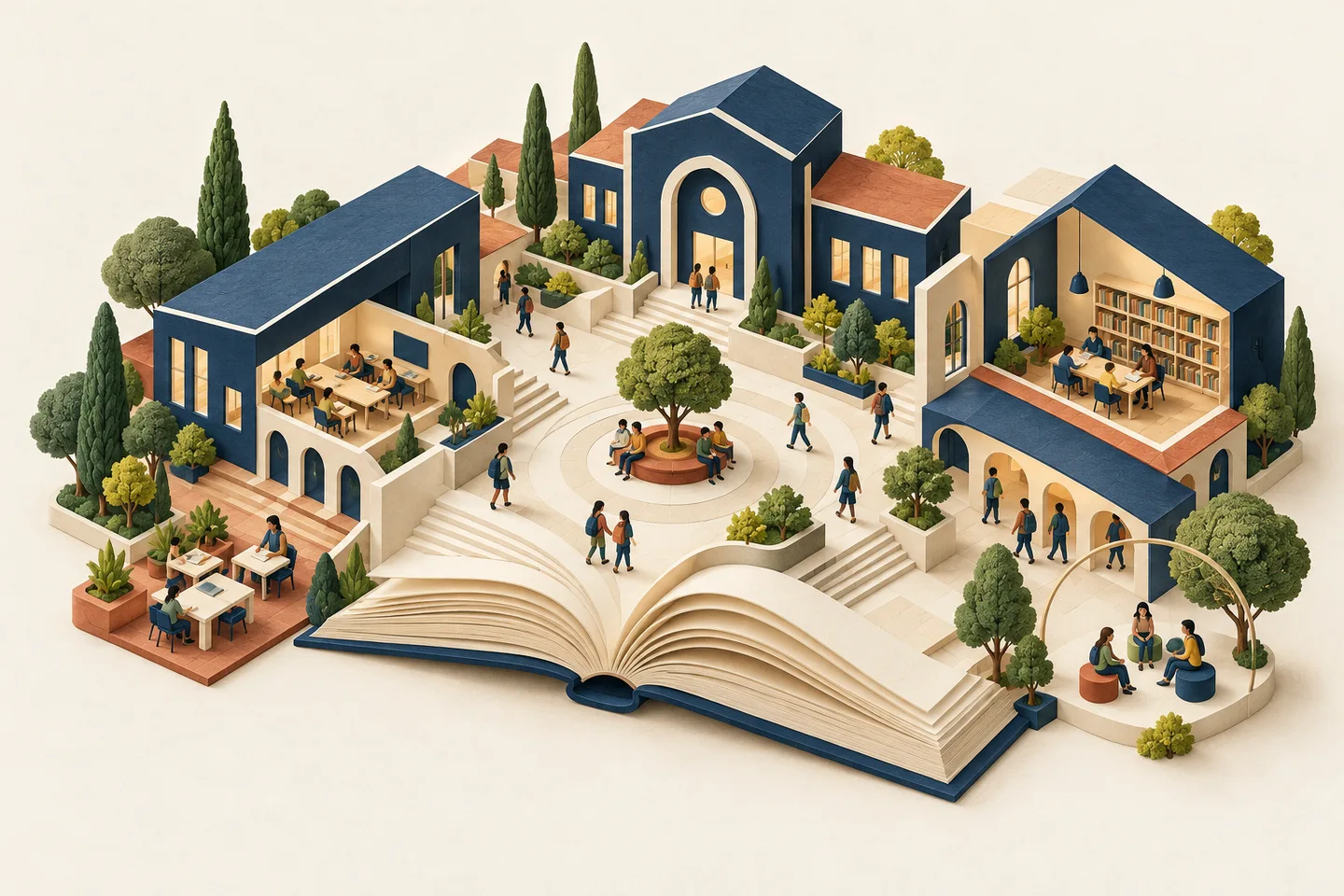
Assessment is a journey, not just a Submit button.
An assessment starts long before a student opens it. A teacher writes or chooses questions, reviews their wording, sets a window and decides how results should be released. Madares supports question banks, approval workflows and assessment building so that this preparation has a place of its own.
During an attempt, answers save as the learner works. The assessment uses server-controlled timing, and saved work can be recovered when the learner reloads or reconnects. Each attempt keeps the question version it started with, so a later edit to the bank does not quietly change what that learner saw.
There is room for more than multiple-choice recall. The platform includes question formats for written responses, numerical work, mathematical expressions, graphs and drawings, alongside other structured activities. Automatic scoring can handle objective work, while teachers can review responses that need human judgment and provide feedback.
The journey continues after submission. Grading, moderation and result release are separate steps. Learners see released results rather than an unfinished marking process, and staff can review the evidence behind a score. The point is not simply to finish an exam; it is to make the outcome useful.
The best next step is the one a teacher, a learner or a family can actually see.

Arabic and English belong in the experience.
For many schools, working in two languages is part of an ordinary day. Madares supports Arabic and English with right-to-left and left-to-right layouts. Language is part of the interface, not a separate version of the product with a different way of working.
Dates and assessment windows also belong to a school context. School time zones, scheduling and individual accommodations help staff describe the actual learning window. The interface can change language while the school's records, courses and permissions remain connected.
Keep the human connection close to the work.
A dashboard cannot replace a helpful conversation. Direct and group messaging gives school communication a place in the platform, with live delivery, typing indicators and presence in Messages. These small signals help people understand whether a conversation is happening now or whether they can return to it later.
The wider school day matters too. Attendance, timetables, reports and gradebooks connect learning to its daily context. Optional modules extend that picture with areas such as the library, certificates, transport and student services. These are tools a school can use according to its needs and enabled features, rather than tasks every visitor must learn at once.
Explore the workflow, not just the screenshots.
The Madares demo contains fictional schools, people, lessons and assessments. At Al Noor, you can choose an administrator, teacher, student or guardian account on the login page. The credentials are displayed there, and a role button fills them into the normal sign-in form.
A useful first visit is a small one: explore a course, look at an assessment, and compare the teacher's view with the learner's view. Then follow the work through feedback or released results. You can also visit the Al Falah example to explore another school context.
Madares is a product to explore and evaluate, not a claim that every school's processes are identical. Codeniza's direction is to make the everyday relationships between teaching, assessment and school life easier to follow. The demo is an invitation to see how those pieces fit together.
Explore the Madares demo ↗