ERP Systems
Stock Transfer vs Stock Adjustment: Fix Inventory Discrepancies
By Admin Tenant 1 ·
A stock shortage is a question to investigate, not just a number to overwrite. Follow a practical example to separate transfers, adjustments, reservations, and missing transactions.
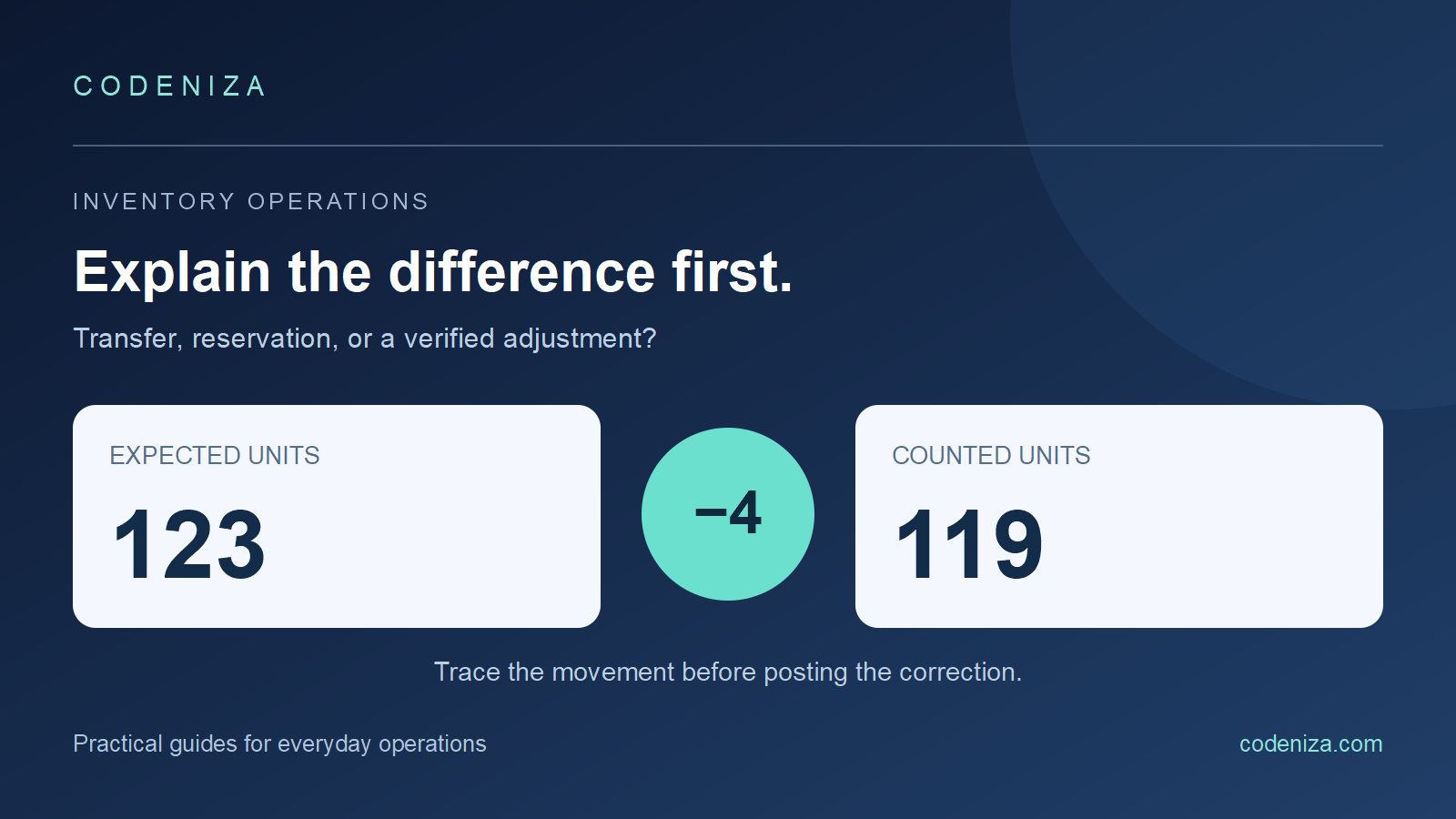
Your system shows 123 units, but the shelf contains 119. It is tempting to enter an adjustment of minus four and move on. That makes the displayed quantity match the count, but it does not explain the missing movement. A receiving error, an unrecorded sale, and a transfer to another branch need different corrections.
Use the following workflow as an operational checklist for unit quantities. Your organization's approval and accounting policies still determine how a correction is authorized and valued.
Three operations that should not be confused
A stock transfer changes location
A transfer moves an identified quantity from one location to another. Moving ten units from Branch A to Branch B should not, by itself, change the organization's total quantity. Depending on the workflow, the units may be shown as dispatched, in transit, and received rather than appearing immediately on both shelves.
A stock adjustment records a verified difference
An adjustment changes a location's recorded quantity to reflect an investigated difference, such as counted damage or an approved count correction. It should retain the reason, supporting reference, responsible user, and approval where required.
A reservation changes availability
Reserving stock for an order can reduce the quantity available to promise while leaving the physical on-hand quantity unchanged. Check the definitions in your software: “available,” “on hand,” and “in transit” do not necessarily describe the same balance.
A worked example: explain the difference before posting it
Suppose a warehouse opens with 120 units. It receives 40, sells 35, and records two damaged units. The expected closing physical balance is 120 + 40 − 35 − 2 = 123. The count finds 119 units, leaving a shortage of four.
- Confirm that all quantities refer to the same item, unit of measure, location, and counting time.
- Recount the shelf and inspect nearby bins. A carton and an individual unit should not be treated as interchangeable quantities.
- Check receipts and sales around the count cutoff. An item moved after the count can produce an apparent difference.
- Review open transfers. Four units might have left for another branch without a completed transfer record.
- If the difference remains unexplained, follow the approved count-adjustment workflow and record the investigation result.
If you discover a missing transfer, complete or correct that transfer according to your process. Posting a shortage adjustment in Branch A and a separate surplus adjustment in Branch B can hide the relationship between the two events.
Keep a movement trail that people can follow
A useful movement record identifies the item, quantity, location, time, event type, reference document, and responsible person. The broader idea is consistent with GS1 EPCIS, which describes visibility through event information about products and assets. Using that principle does not mean a particular ERP implements the EPCIS standard.
For day-to-day users, a readable history is more valuable than a balance that can be silently overwritten. Ask the software to show how a purchase receipt, sale, return, transfer, and adjustment reached the current number.
Use a repeatable daily review
| Check | Question | Useful follow-up |
|---|---|---|
| Open transfers | Was dispatch recorded without receipt? | Confirm physical arrival and the receiving task |
| Negative balances | Was a sale posted before a missing receipt? | Review transaction sequence |
| Large adjustments | Is the reason supported? | Review evidence and approval |
| Returns | Did the item return to saleable stock? | Check condition and destination |
| Unit conversions | Were cartons and individual units mixed? | Verify the item setup |
Choose review thresholds that fit your operation. A high-value item and a low-value consumable may deserve different counting attention. Keep the reason for a difference separate from the person who discovered it, so the review helps improve the process rather than encouraging staff to conceal errors.
Measure a defined accuracy result
Inventory accuracy compares the electronic record with the physical stock; APQC discusses this measurement problem. For a simple internal measure, define one counted item-location pair as accurate only when its system and counted quantities match under your agreed tolerance.
For example, if 92 of 100 counted item-location pairs match exactly, exact-match accuracy for that sample is 92%. This is not the same as a value-weighted variance or a whole-business accuracy rate. Keep the sample, tolerance, and calculation visible so that the result remains comparable next month.
What to ask for in an ERP demonstration
Ask the demonstrator to receive a fictional product, transfer part of it, reserve an order, make a sale, process a return, and investigate a count difference. Check whether references connect the steps and whether users can see pending work. Test with two locations and two roles rather than only one administrator account.
Explore the Prokar ERP demo to review the available sales and inventory workflows. Start with the Prokar introduction for context, or describe your locations and stock process to Codeniza before planning a tailored demonstration.
Common questions
Does a transfer reduce total business stock?
A pure transfer changes location or transit status, rather than the organization's total units. Additional events such as damage or disposal should be recorded distinctly.
Should every discrepancy become an adjustment?
Investigate first. A missing receipt, sale, or transfer may need its own corrected document rather than an unrelated balancing entry.
Can a stock count be accurate while available stock looks lower?
Yes. Reservations or other allocation rules can reduce available-to-promise quantities without reducing the units physically present.