LMS Platforms
LMS vs School Management System: What Does Your School Need?
By Admin Tenant 1 ·
Separate teaching workflows from school administration, identify shared student data, and test a complete school-day scenario before choosing a platform.
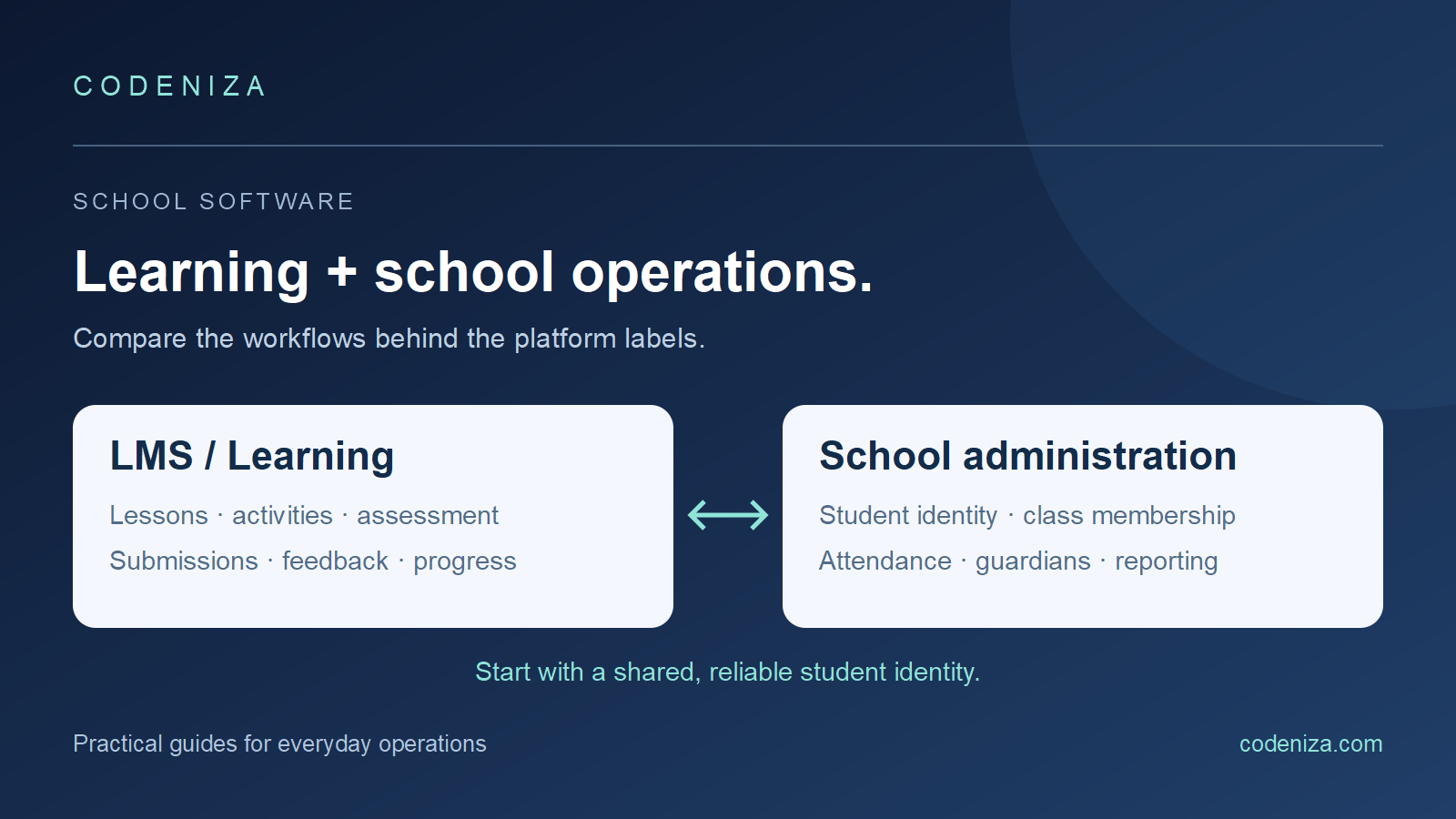
A school can have excellent online lessons and still struggle with student records. It can also keep tidy administration records while teachers move assignments through email and messaging apps. These are different problems, and the labels “LMS” and “school management system” help separate them.
Product boundaries vary. Some platforms combine learning, assessment, attendance, communication, and administrative tools. Instead of judging a product by its label, identify the tasks your school needs and test how data moves between them.
What an LMS usually focuses on
A learning management system centers on teaching and learning: organizing courses, publishing resources, distributing activities, collecting work, assessing submissions, and showing progress. For example, Moodle describes its LMS as a system for creating personalized learning environments. The exact functions available depend on the product and configuration.
For a teacher, useful questions include: Can I reuse a course next term? Can I see who submitted? Can I give feedback without mixing classes? Can a learner find the next activity and understand what is overdue?
What school administration needs to keep consistent
A school administration or student information workflow often concerns student identity, enrollment, class membership, attendance records, guardian relationships, and administrative reporting. Schools may also require finance, transport, scheduling, or other operational modules, but those should be confirmed rather than assumed.
The distinction matters when deciding which system owns a record. If the office moves a student to a new class, teachers should not have to guess which spreadsheet contains the current enrollment. If two systems are used, establish the authoritative source and how changes are passed between them.
Build a task map before comparing feature lists
| Task | Primary user | Evidence to ask for |
|---|---|---|
| Student joins a class | School administrator | One current class membership record |
| Teacher assigns work | Teacher | Correct class receives the activity |
| Student submits | Student | Visible confirmation and status |
| Teacher gives feedback | Teacher | Feedback reaches the correct learner |
| Guardian follows progress | Guardian | Only linked students are visible |
| Term ends | Administrator and teacher | Controlled rollover and retained records |
Add your school's essential tasks to this map. Distinguish must-have functions from a convenient extra. A school that needs reliable class lists and assessment reporting should not let an attractive messaging feature replace those acceptance criteria.
Test one school day using separate accounts
Create fictional “Student 001,” assign the student to a class, and sign in as the class teacher. Publish one activity, submit work as the student, record feedback as the teacher, and inspect what the linked guardian can see. Then open a management report and trace its figures back to those actions.
Next, try a normal exception: transfer the student to another class, use a late submission, or correct an attendance entry. Watch whether history and responsibility remain understandable. A demonstration that only follows the ideal path misses many of the situations office staff handle daily.
Use real school devices during evaluation, but keep all test data fictional. Check right-to-left pages and mixed Arabic and English content if your community uses both languages. Include a low-bandwidth connection in the test plan where that reflects normal access.
Agree on the source of truth for shared data
If the school already has a student information system, ask which fields will synchronize, in which direction, and how often. Define a stable student identifier rather than linking records by a display name. Ask what happens to class access when an enrollment changes and how staff investigate a failed update.
An integration needs an owner. Record who creates a student, who may correct a class list, who resolves duplicates, and how errors become visible. A promised connector is not a substitute for demonstrating these specific handoffs using your intended workflow.
Plan rollout around one class or year group
A bounded pilot makes it easier to observe actual work. Choose a representative class, train its staff, and agree on success criteria before expanding. Suggested criteria include independently completed teacher tasks, understandable student submission status, correct guardian access, and reports that agree with source records.
Also review import templates, data ownership, export formats, support arrangements, and term rollover. Request a sample export and a demonstration of how old records remain accessible after a class changes. Keep these operational questions alongside the commercial proposal.
Explore a connected school workflow
Open the Madares school demo to explore the roles and workflows currently available. Read the Madares introduction for product context. If your school needs a specific admissions, finance, or third-party connection, ask Codeniza to map it explicitly rather than assuming it is included because of a platform label.
Common questions
Can an LMS replace every school administration tool?
Only if the chosen product and configuration support the school's required workflows. Test those workflows directly; the LMS label alone does not answer the question.
Do we need two separate systems?
Not necessarily. Compare a combined platform with an integrated approach against your actual tasks, ownership rules, and maintenance capacity.
What is the first question to ask about integration?
Ask which system owns each shared record and how a verified change reaches the other system. Start with identity and class enrollment before adding more data exchanges.